


AI moves fast.Bring yourteam with you.
For the Integrator bringing it all together.



Skills for the week you already run
A skill is a set of instructions Claude keeps, so it does a job your way every time. Say “prep my one-on-one with Jordan.” It reads your folder and hands back the agenda.
- Every weekWeekly meeting prep on one page. A nudge for rocks that went quiet. An agenda for every one-on-one. Meeting notes, filed as to-dos and issues.
- Every monthYour same-page meeting with the Visionary, with what you owe each other. A clarity break that ends in one thing to do.
- Every quarterKatie’s quarterly prep guide, filled in for your leadership team. Rocks with one owner, a number and real dates.
- Every yearAnnual planning prep, with the working days already counted.
- AnytimeWork an issue to the root. Map a process, then write the SOP. One decision, written for every audience. All of it in your voice.
Works best in Claude. Also runs in ChatGPT and Microsoft Copilot.
It’s yours
The best fit. Claude works right inside your folder.
StableCompany/skill-pack- In Claude, open Customize, then Plugins. Choose Add, then Add marketplace, and paste the line above.
- Adding the line installs nothing yet. Open Discover, choose Integrator Skill Pack, then choose Add. That installs all the skills. Turn on Sync automatically, so new skills reach you as we add them.
- In the Claude desktop app, start a Cowork task in an empty folder.
- Say “Start here.”
Needs a paid Claude plan. On Team or Enterprise, your admin may need to allow added plugins.
See every step with picturesWorks well. Claude is still the smoothest.
Download the pack (.zip)- Unzip the pack.
- In the ChatGPT desktop app, open For ChatGPT and Codex / My Integrator Folder as a project.
- Say “Start here.” Pick a skill any time with @.
Works in Microsoft 365 Copilot’s Cowork, on a work account with a Copilot license.
Download the pack (.zip)- Put My Integrator Folder in your OneDrive Documents.
- In Cowork, open Customize, then Upload plugin, and pick For Microsoft Copilot / Integrator Skill Pack for Copilot.zip.
- Paste the Preferences note below into Customize, then Preferences.
- Start a Cowork task, attach your folder and say “Start here.”
Two notes to copy
I'm the Integrator (second-in-command) at my company. My folder for this work is My Integrator Folder in my OneDrive Documents. Read CLAUDE.md in that folder first and follow it. For meeting prep, one-on-ones, rocks, issues, planning, processes and messages, use my Integrator Skill Pack skills. Never say a file is saved in my folder until you have checked it is there.
Hi. I'd like to use Microsoft Copilot Cowork for my operations work. It needs two things. One: a Microsoft 365 Copilot or Copilot Business license on my account. Two: a spending policy in the Microsoft 365 admin center that includes me and selects Cowork. It's under Copilot, then Cost Management, then Configuration, then Add spending policy. You set the monthly credit limit. I'll also upload a skill pack to Cowork from its Customize page, shared with only me. If it shows as blocked by policy, the setting is under Agents, then Settings, then Agent and plugin access. Thank you.
Start with Claude. It’s what we use every day, and where the pack works best.
StableCompany/skill-pack- Make a Claude account at claude.ai. Pro is enough to start.
- In Claude, open Customize, then Plugins. Choose Add, then Add marketplace, and paste the line above. Then open Discover, choose Integrator Skill Pack and choose Add.
- In the Claude desktop app, start a Cowork task in an empty folder and say “Start here.”
Prefer files? Download the pack (.zip). Stuck? Reply to any email from us and a person will help.
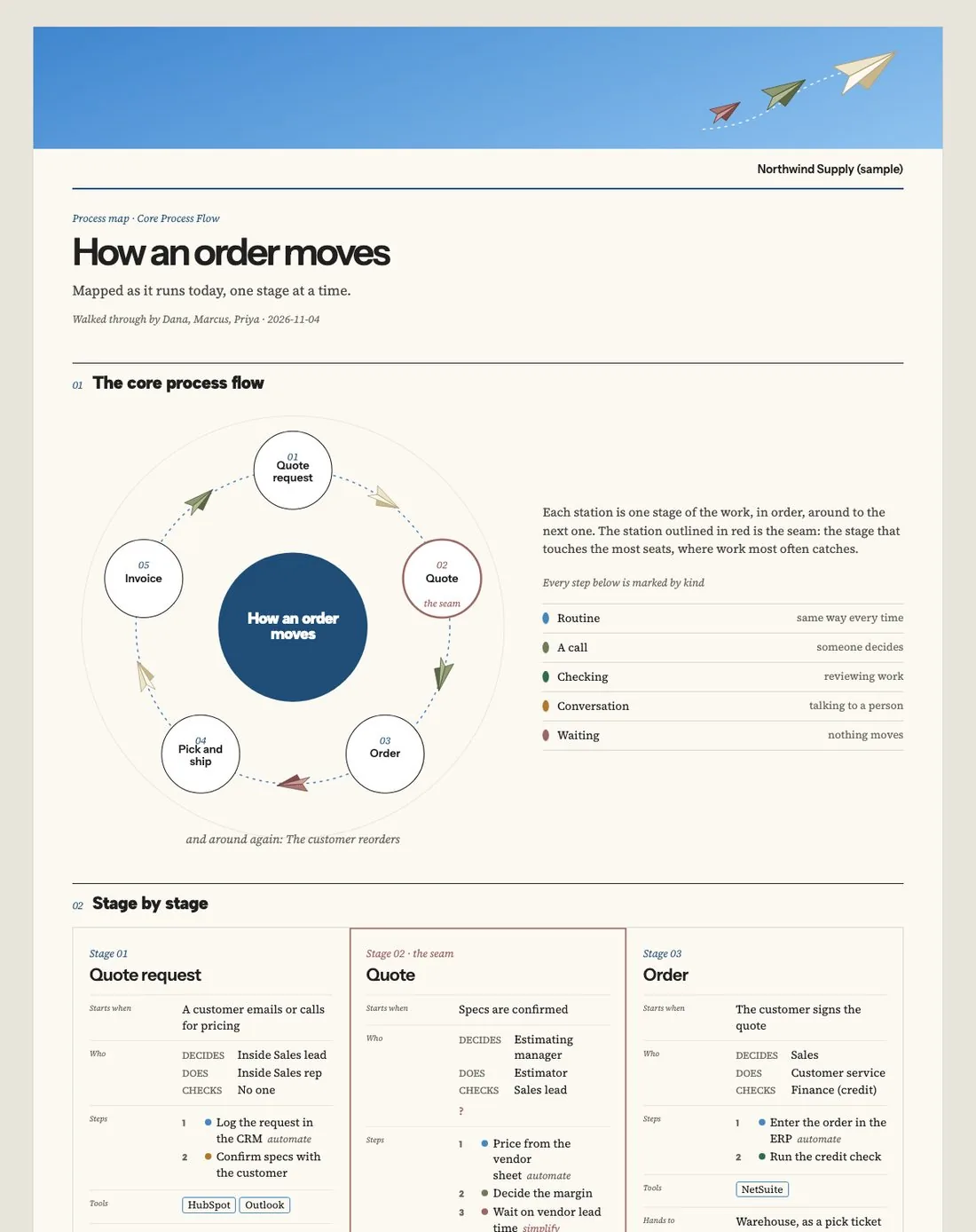
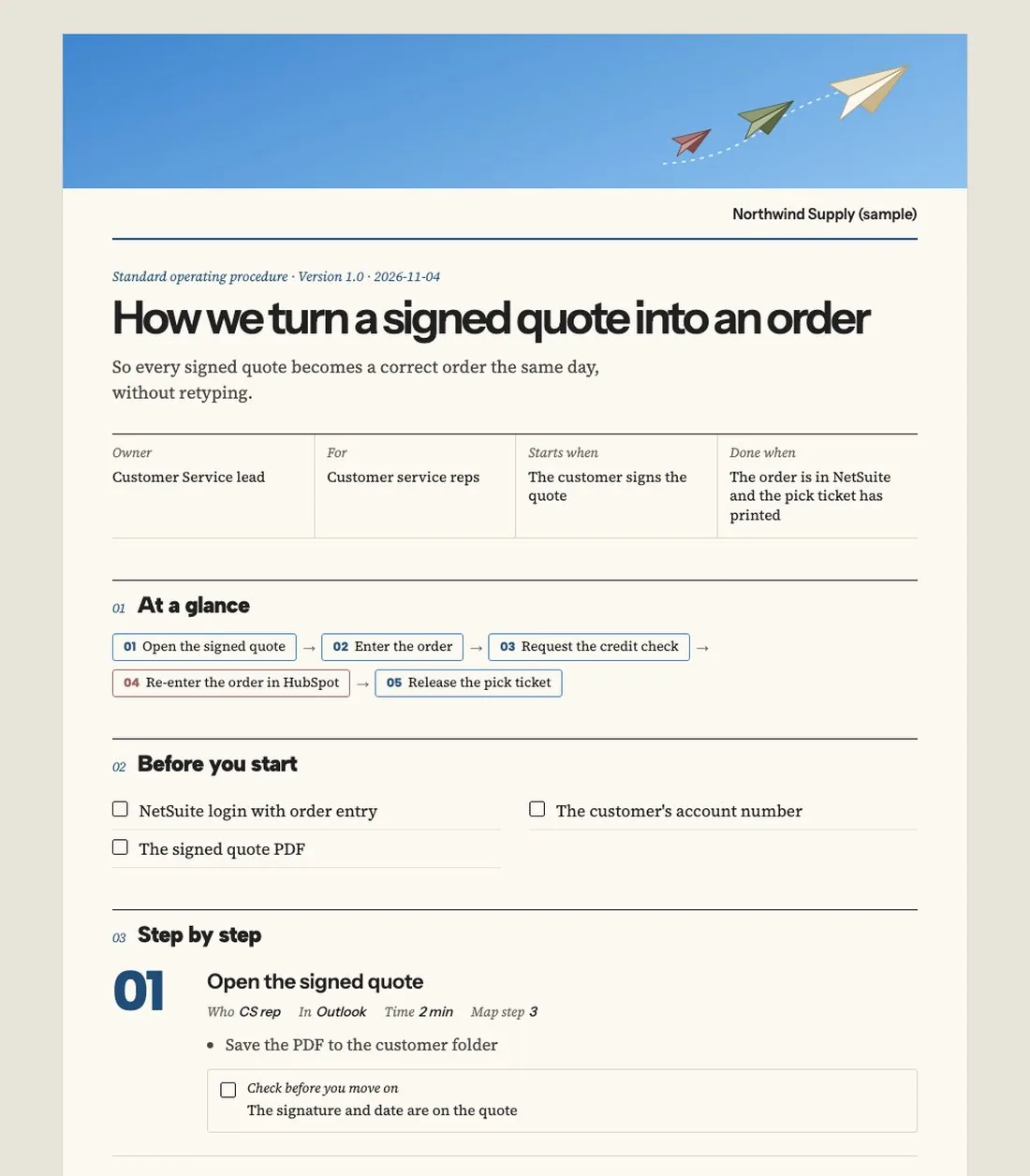
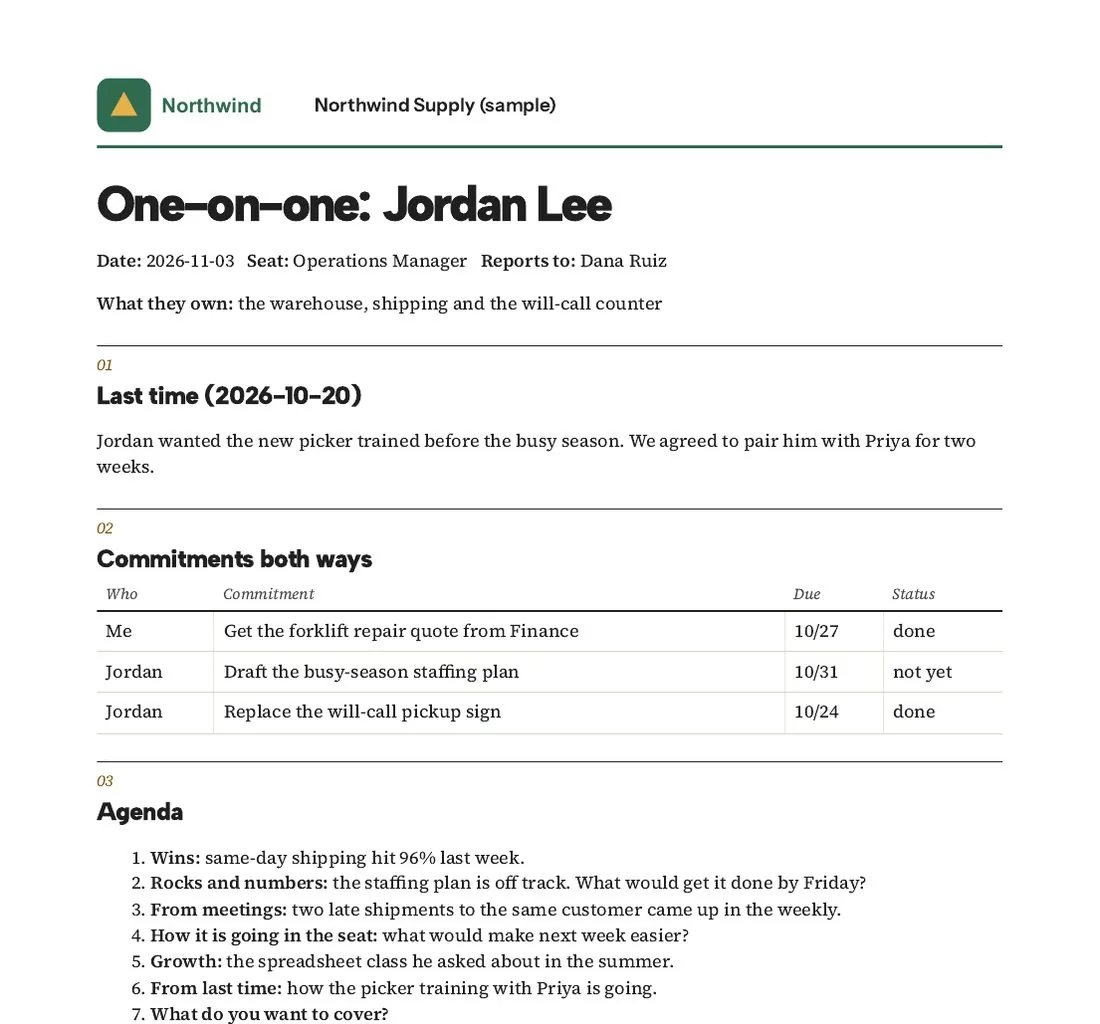
Real pages, in your colors
Samples for a made-up company. Yours pull your logo, colors and fonts from your website.
Twenty minutes to set up
Built and tested in Claude, where it works right inside your folder. ChatGPT and Microsoft Copilot run it too, with a few more steps. Pick yours when you unlock the pack.
Plain text files, in a folder you own. Nothing runs unless you ask, and nothing comes back to us.
- 1Add the pack to Claude
Paste one line under Customize, then Plugins. New skills arrive on their own.
- 2Pick a folder
Start a Cowork task in the Claude desktop app. An empty folder is fine. Claude builds the rest.
- 3Say “Start here.”
A short interview fills in your company, your leadership team, this quarter’s rocks and your brand.
Built by someone who held the seat
Katie Sandquist has been a COO, a President and a VP of Operations, and she ran EOS from the Integrator seat. The quarterly prep guide in this pack is the one she uses with leadership teams today. The voice profile is the one she built for her own writing.
The Stable Company is an AI Department for owner-led companies. This pack is where we start with every team we work with. If we ever work together, we build on what you already have.
Rather set it up together?
Book 45 minutes with us. It’s free. We’ll look at your week, pick the one or two skills that help most, and get them running on the call.